

Getting Started
Sign up

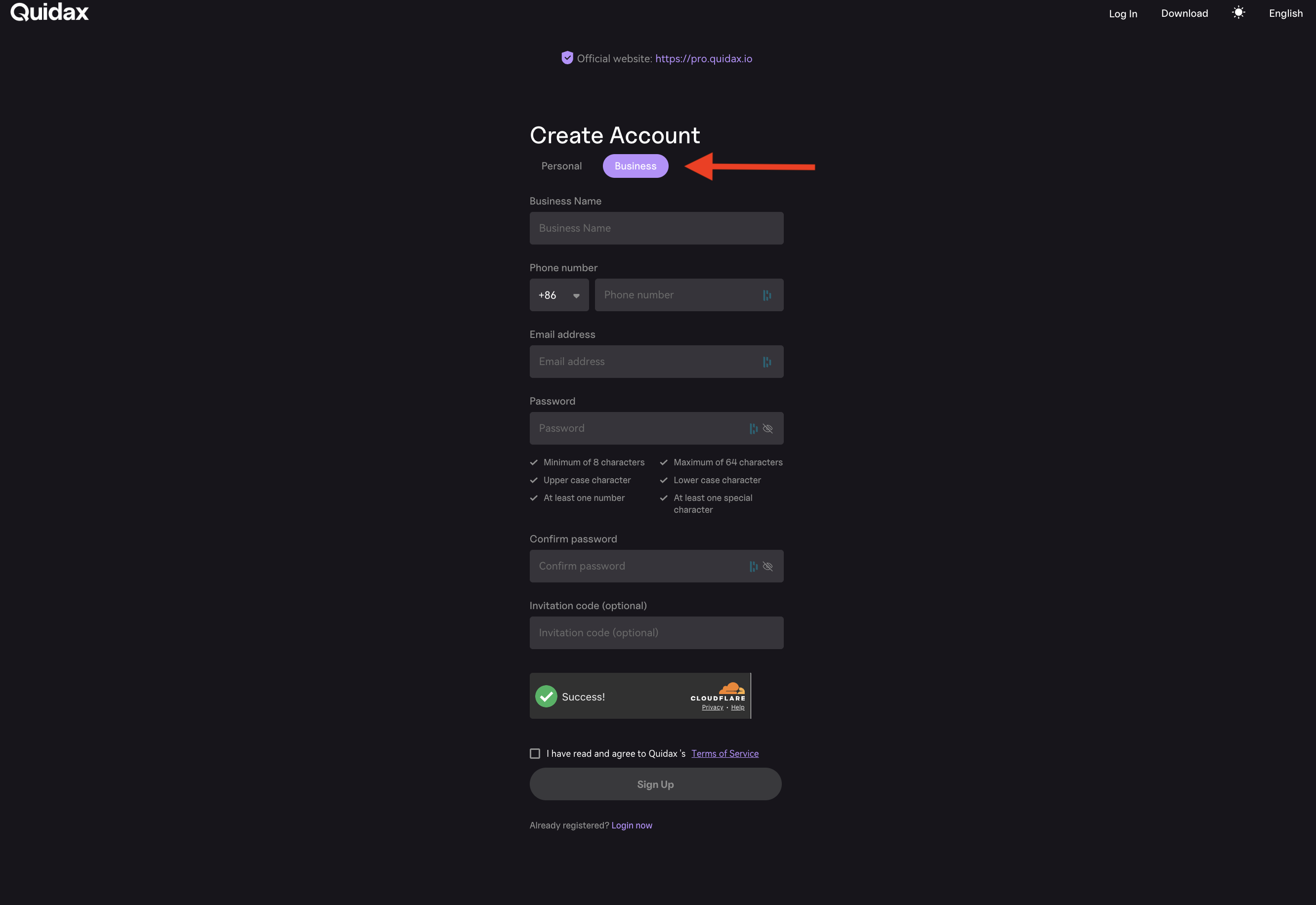
To get started, you have to create an account on the sign-up page by filling in your accurate details, - Business Name, Username, First Name, Last Name, E-mail Address, Password, and Phone Number. Click the buisness section on the page when registering for an account
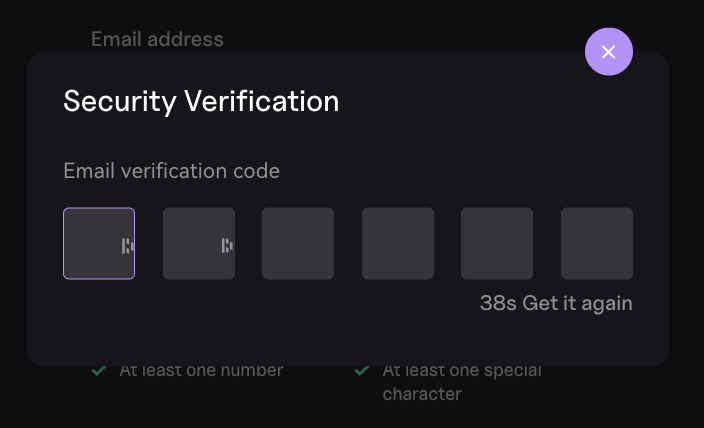
Activating your account.
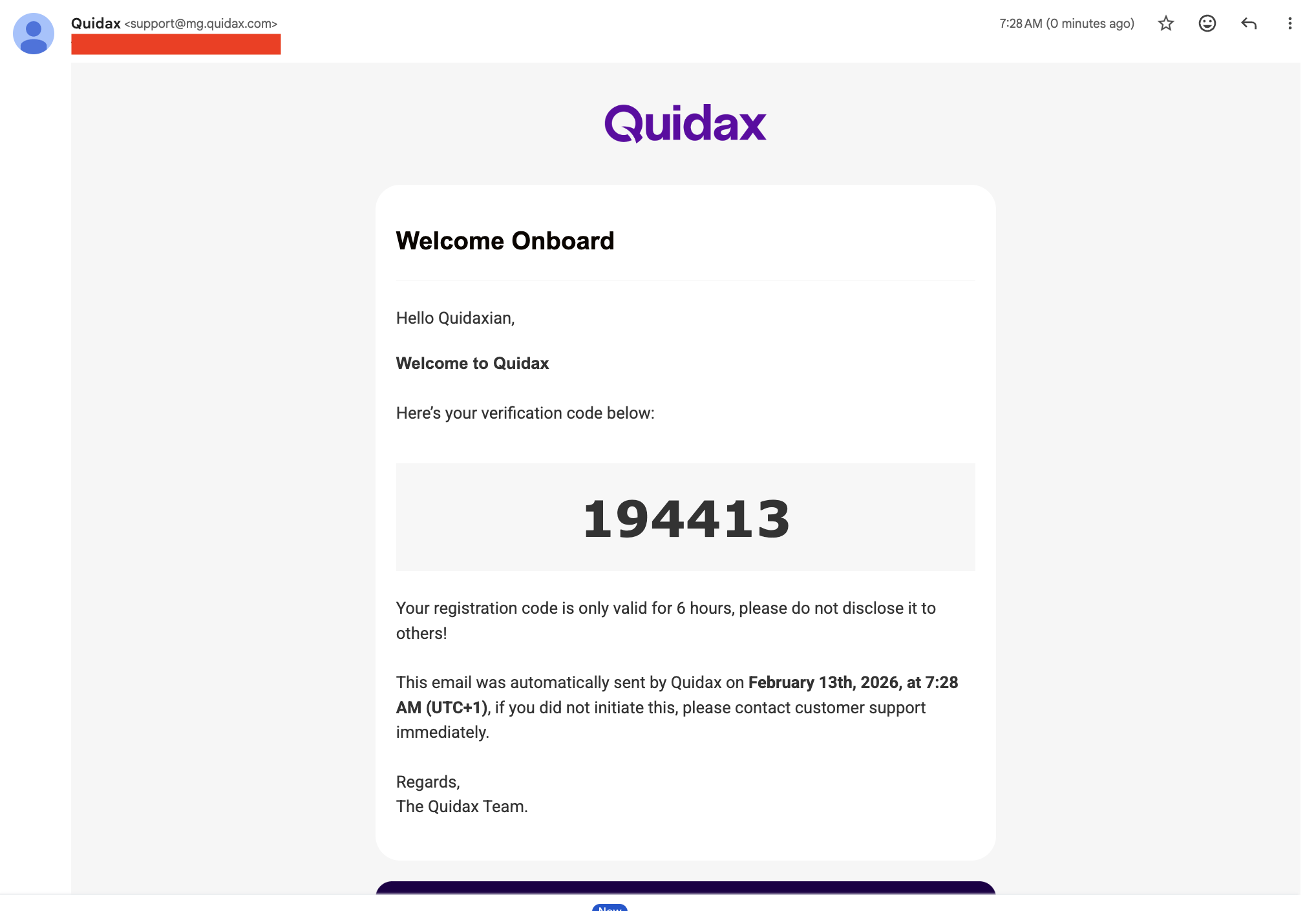
After successfully registering, an activation code will be sent to your inbox. Kindly open it, and enter the pin input below.
Updated 7 months ago
Did this page help you?