Getting your developer key

Once your account is verified, you can get your developer API keys using the steps below:
Step 1
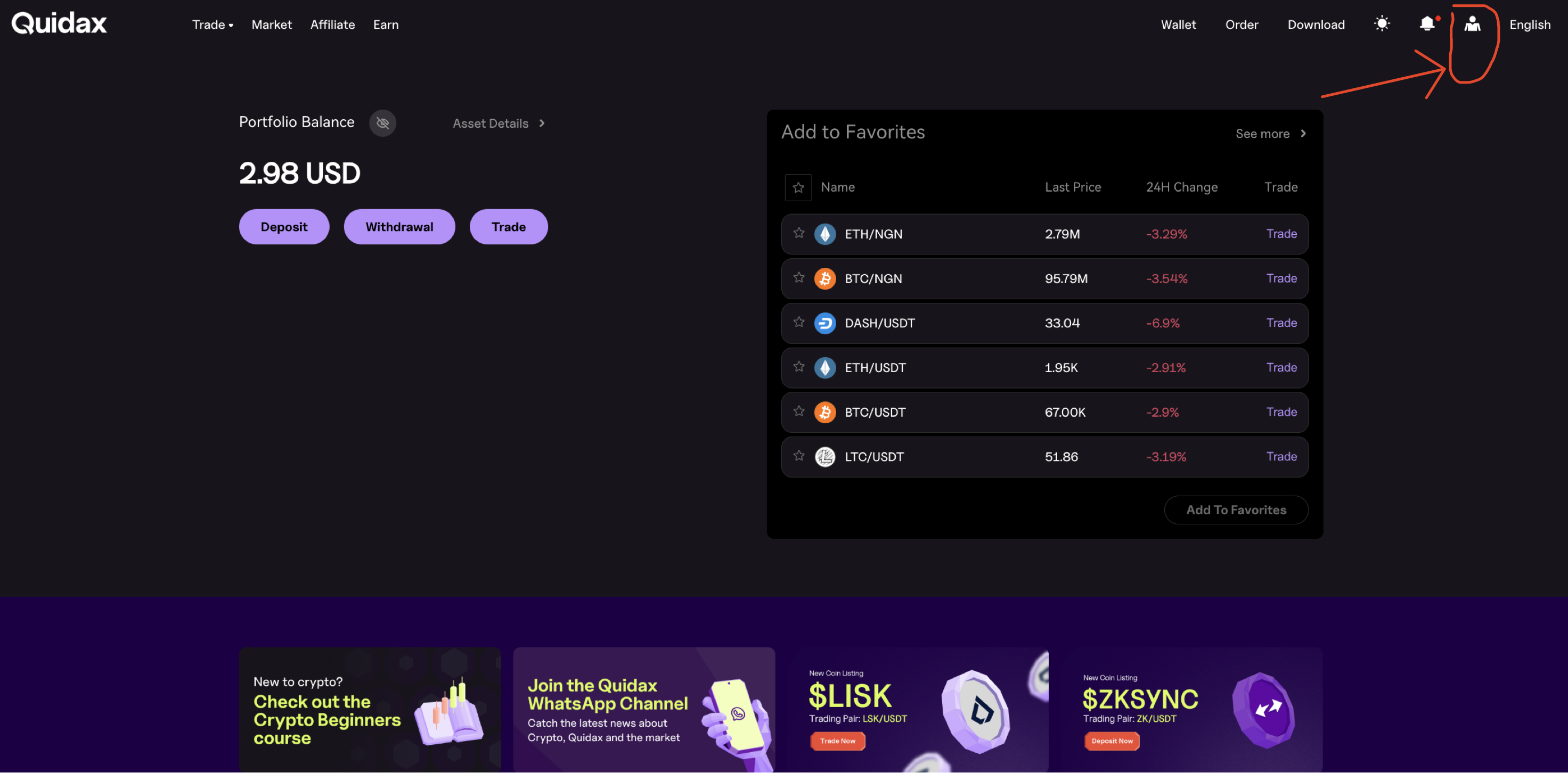
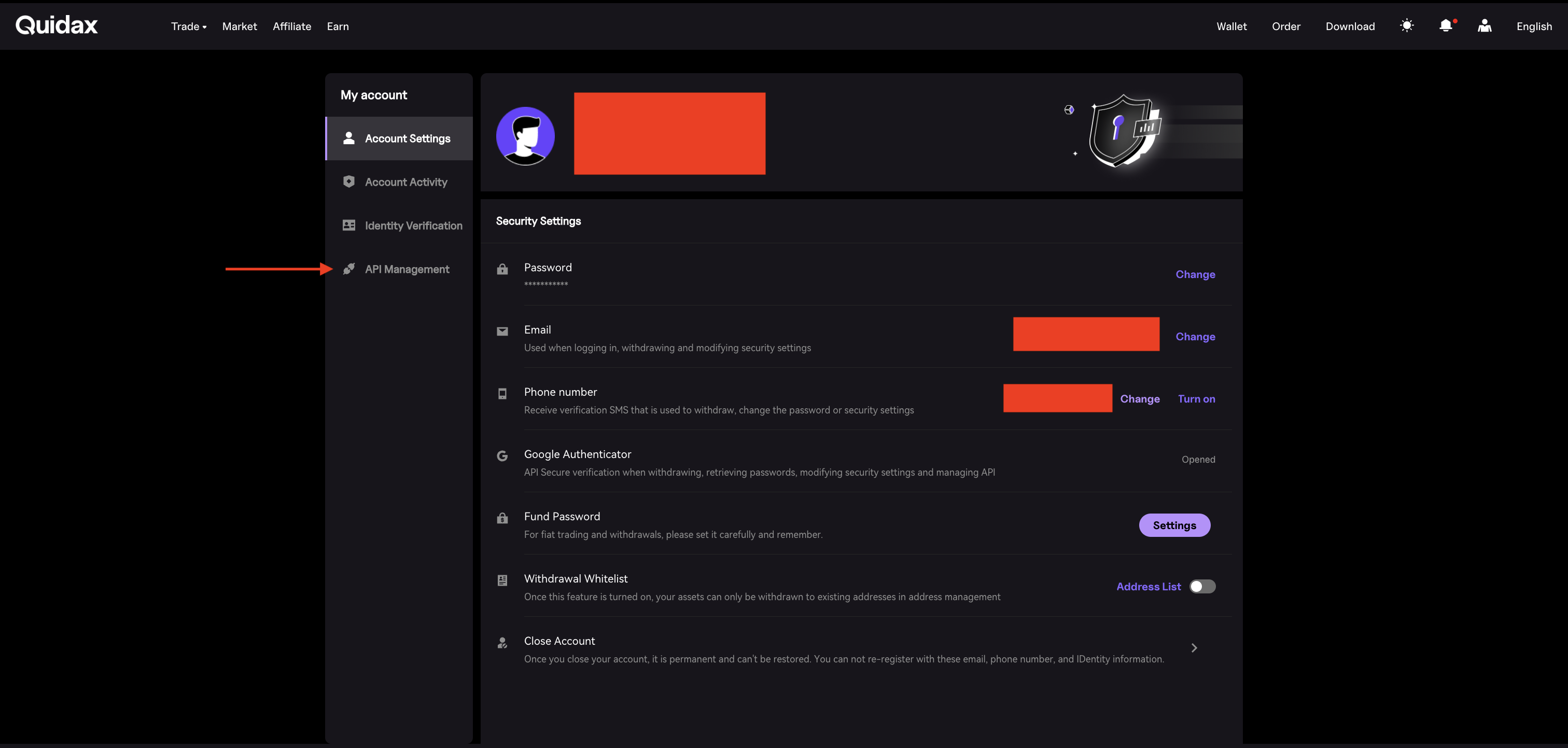
Sign in to your Quidax account, click your username in the navigation bar, and select “My Account.”

Step 2
Scroll down to the Developer Settings section and click “Manage.”

Step 3
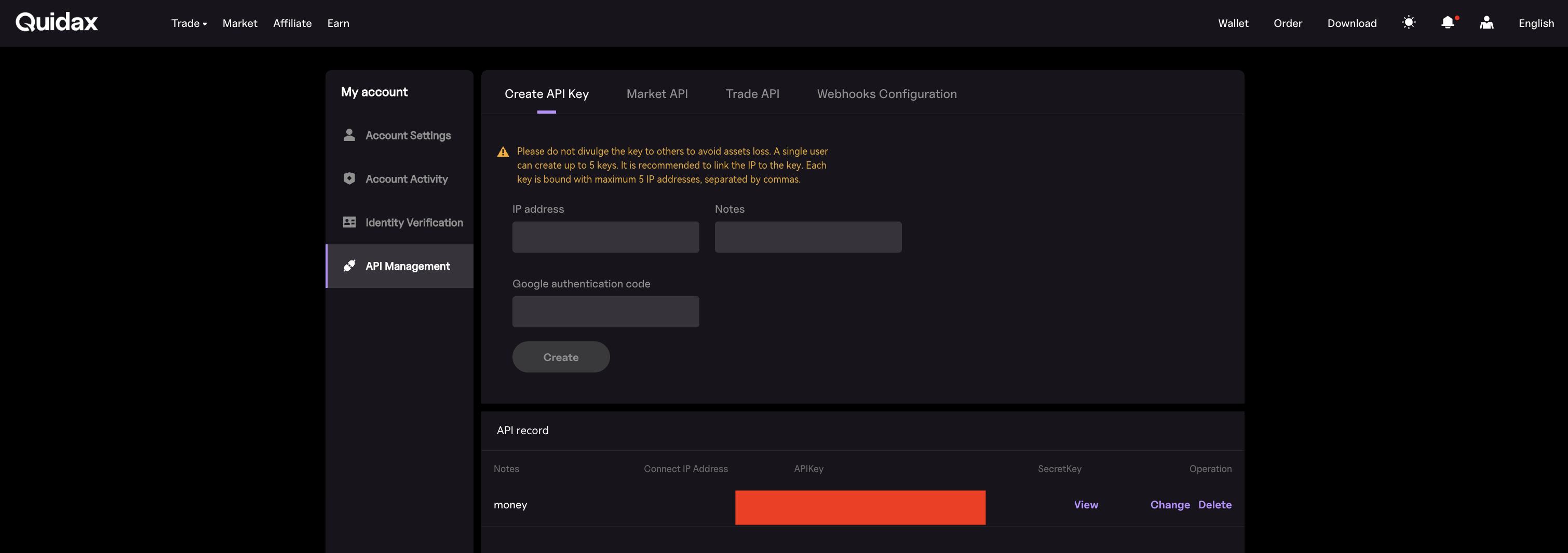
Click “Generate New Keys.”

Step 4
Add the IP address of the device(s) that will make API calls to Quidax.

IP Address field.
Adding an IP address restricts API access to the specified device(s).
If the IP address field is left empty, any device with your API key can access your account, which may expose it to security risks.
For improved security, we recommend restricting access by specifying trusted IP addresses.
Step 5
Copy and securely store your API keys.

A.P.I Keys
You can only view your keys once. If you lose them, you will need to generate a new key.
Managing your API keys
Secret Key
Your Secret Key allows full access to perform API requests to Quidax from your account and should always remain confidential.
- Store it only on your secure backend servers
- Never expose it in frontend code or mobile applications
Public Key
Your Public Key is used to identify your account when making requests to Quidax.
- Use it safely in your frontend or mobile applications.
Important
After viewing the API Keys, DO NOT reuse them, as they get immediately disabled. If you believe your API keys have been exposed or compromised, immediately revoke the keys and generate a new pair.
Updated 2 days ago